
Yushario replaces what is going on in your terminals with scenery and cards. This page explains how to read what you see.
The vocabulary#
| On screen | What it is |
|---|---|
| Town / World | A project / the list of projects. Worktrees of the same repository are the same town. |
| Hero / Party member | A CLI session / a sub-agent. Select a hero to act on it. |
| Quest | A ledger of work that outlasts the session: title, goal, owner and verification. |
| Lv / HP / MP | Finished work / how few recent failures / how much conversation is left. They are not code-quality scores. Values that cannot be obtained show as Unknown. |
| Messenger / Chest | A notice such as "waiting for your decision" / a report on finished work. A person checks permissions and results. |
Towns#
Every town has the same layout: roads cross out of a fountain square, and the empty plots hold a church, library, inn and item shop. When you enter a town for the first time you can pick one of five looks.
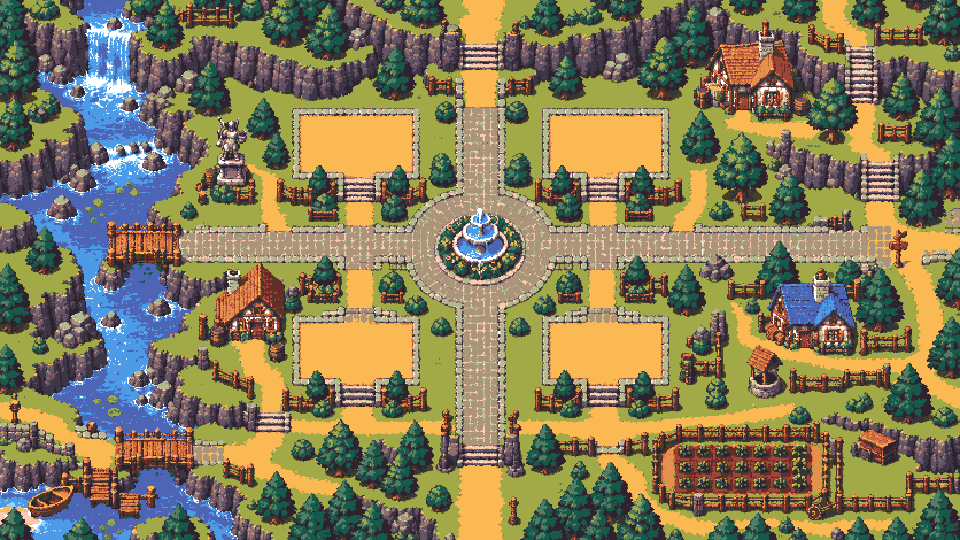 Meadow villageThe first town.
Where heroes fight depends on the work#
The field shows what a hero is doing right now.
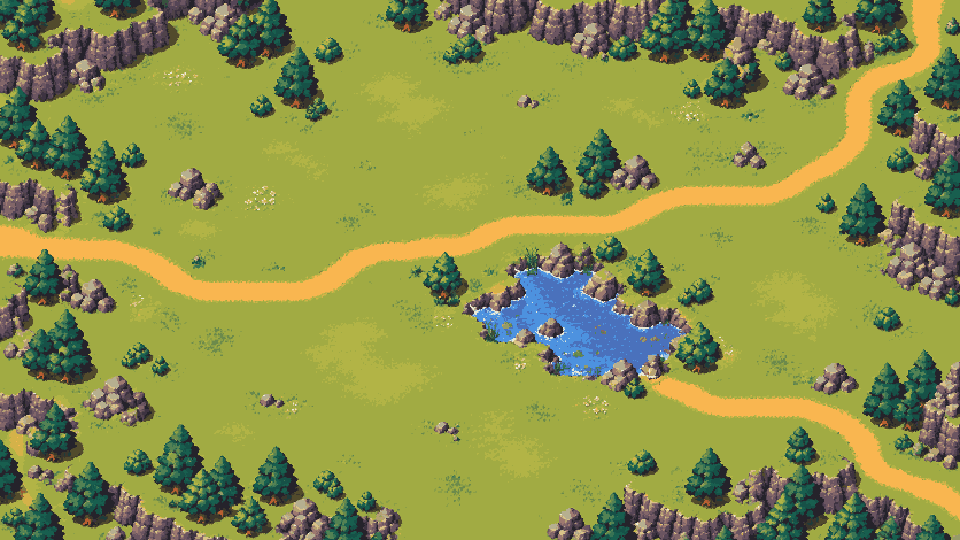 MeadowEditing files. The hero attacks a slime.
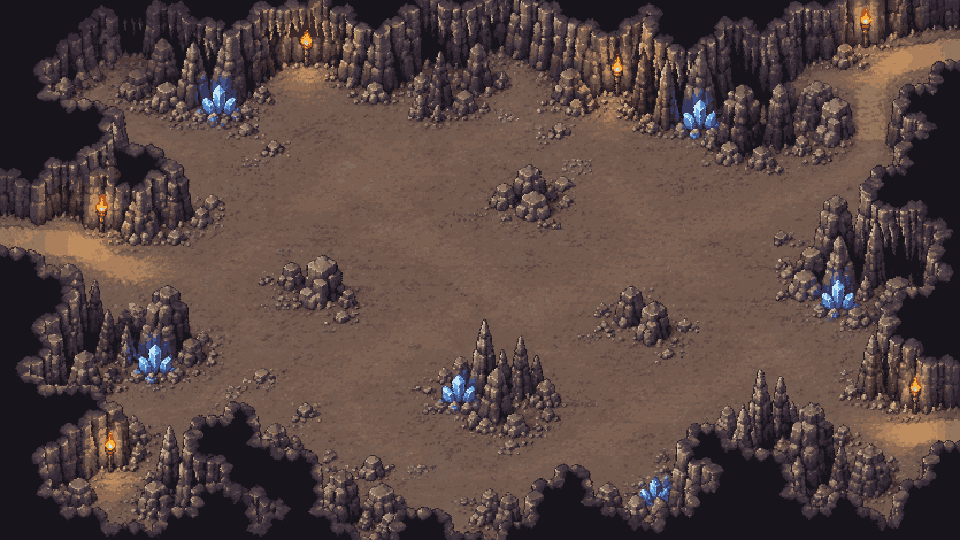 CaveTests and type checks. A golem waits at the back.
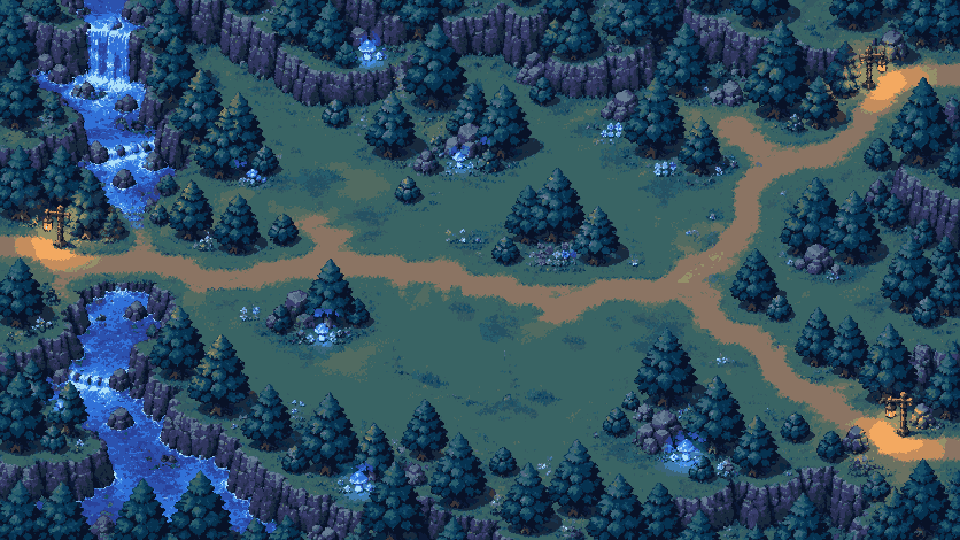 Night forestRunning commands. A ghost appears.
Rooms in town#
Heroes walk into buildings that match their work.
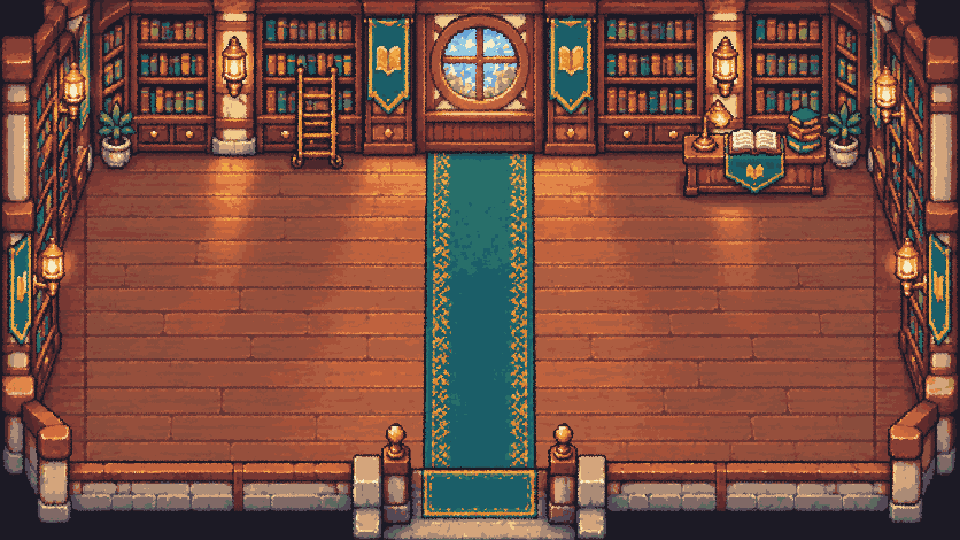 LibraryWhen reading or searching files.
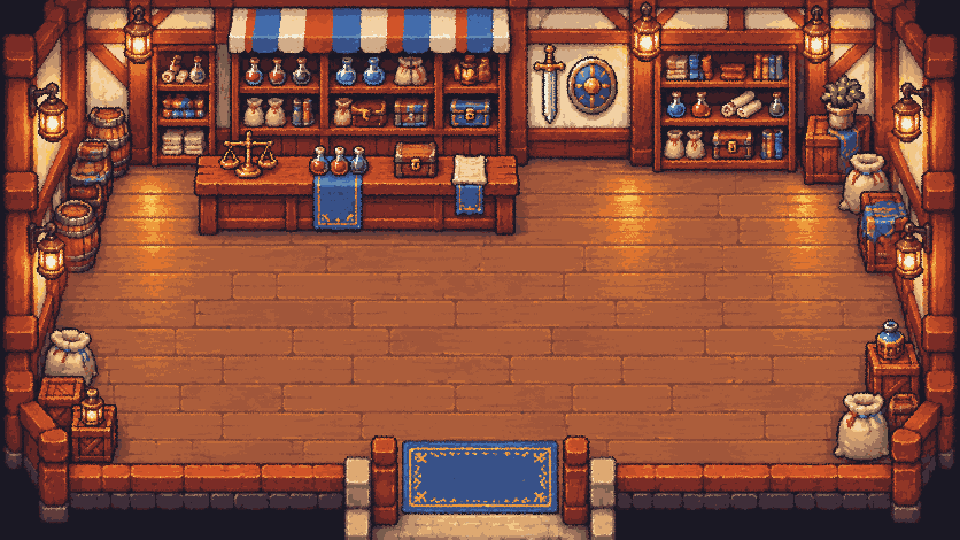 Item shopWhen using other tools such as MCP.
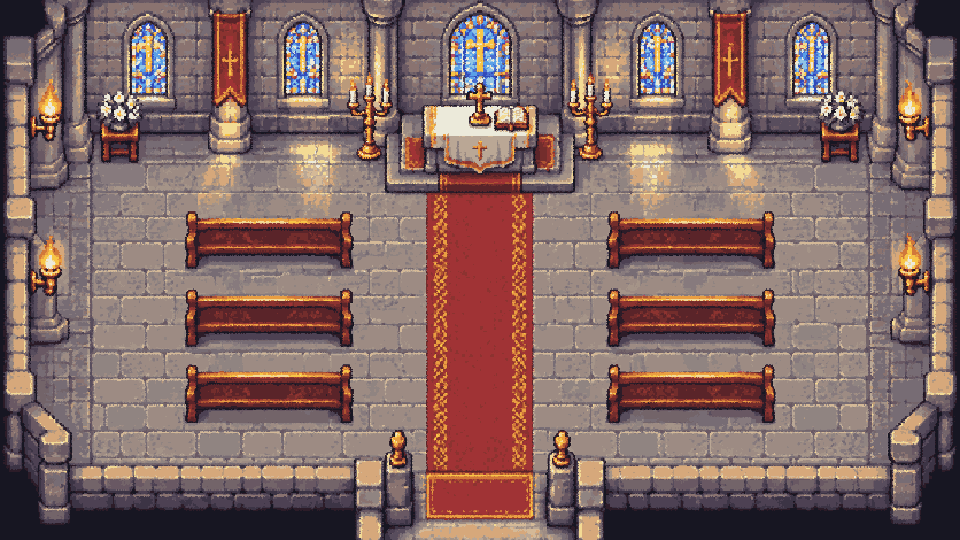 ChurchWhen tidying the conversation (/compact).
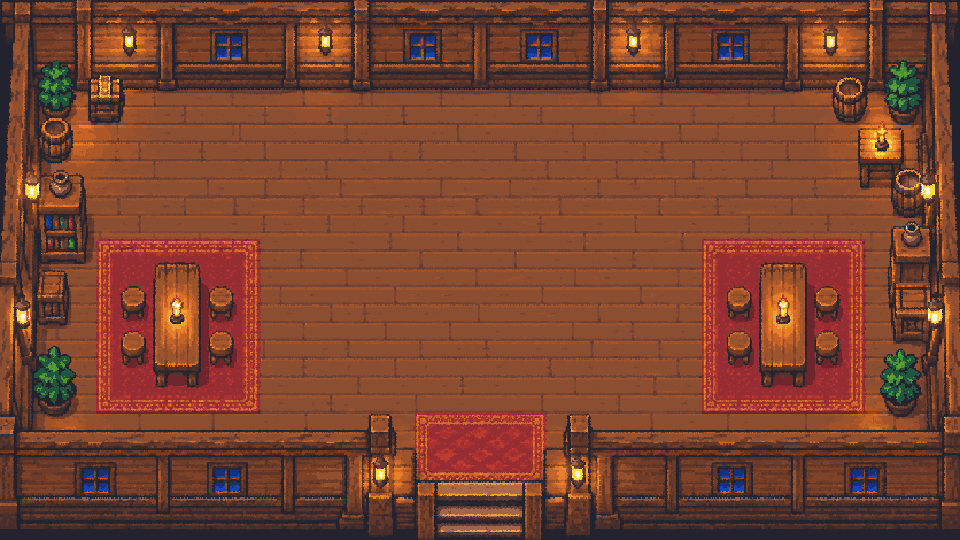 InnHeroes idle for over 10 minutes take a nap.
For the rest of the art, see the art gallery.
Speech balloons
Balloons above a hero show calling, thinking, napping, doing well and struggling. A calling balloon means the hero is waiting for your reply or decision.