
A hero is a session of a CLI you launched. When you start a CLI from Embark, it appears in the project's town as a hero.
Steps#
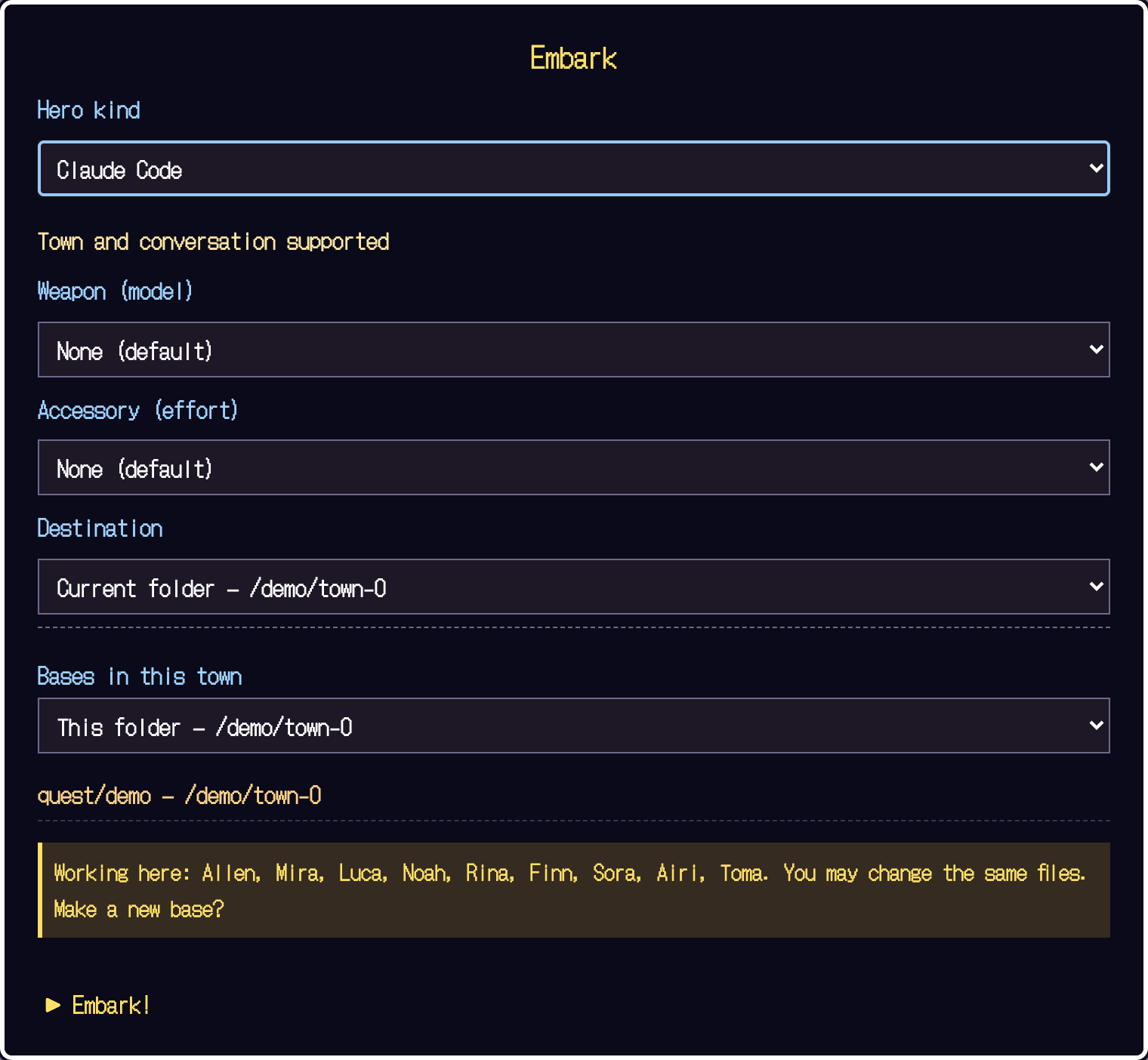
- Choose a CLI you are logged into
Pick Claude Code, pi or Codex. You can start without changing any gear. A shell does not become a hero; it only opens a terminal.
- Choose the destination folder
The destination is your project. To use another location, choose "Another folder".
- Select Embark
The CLI starts. If it asks you to trust the folder or to log in, review it in the terminal.
When it works
A hero appears in the project's town.
When you use Codex#
With Codex you need to check hooks with /hooks, and send the first request from the terminal. For details, see Supported agents.
If no hero appears#
- Did you start a supported CLI from Embark? A shell is not shown as a hero.
- Did you finish the CLI's login and folder-trust prompts in the terminal?
- If the connection dropped or an old URL will not open, remember that the token changes on every launch. Use the new URL printed by the running server.