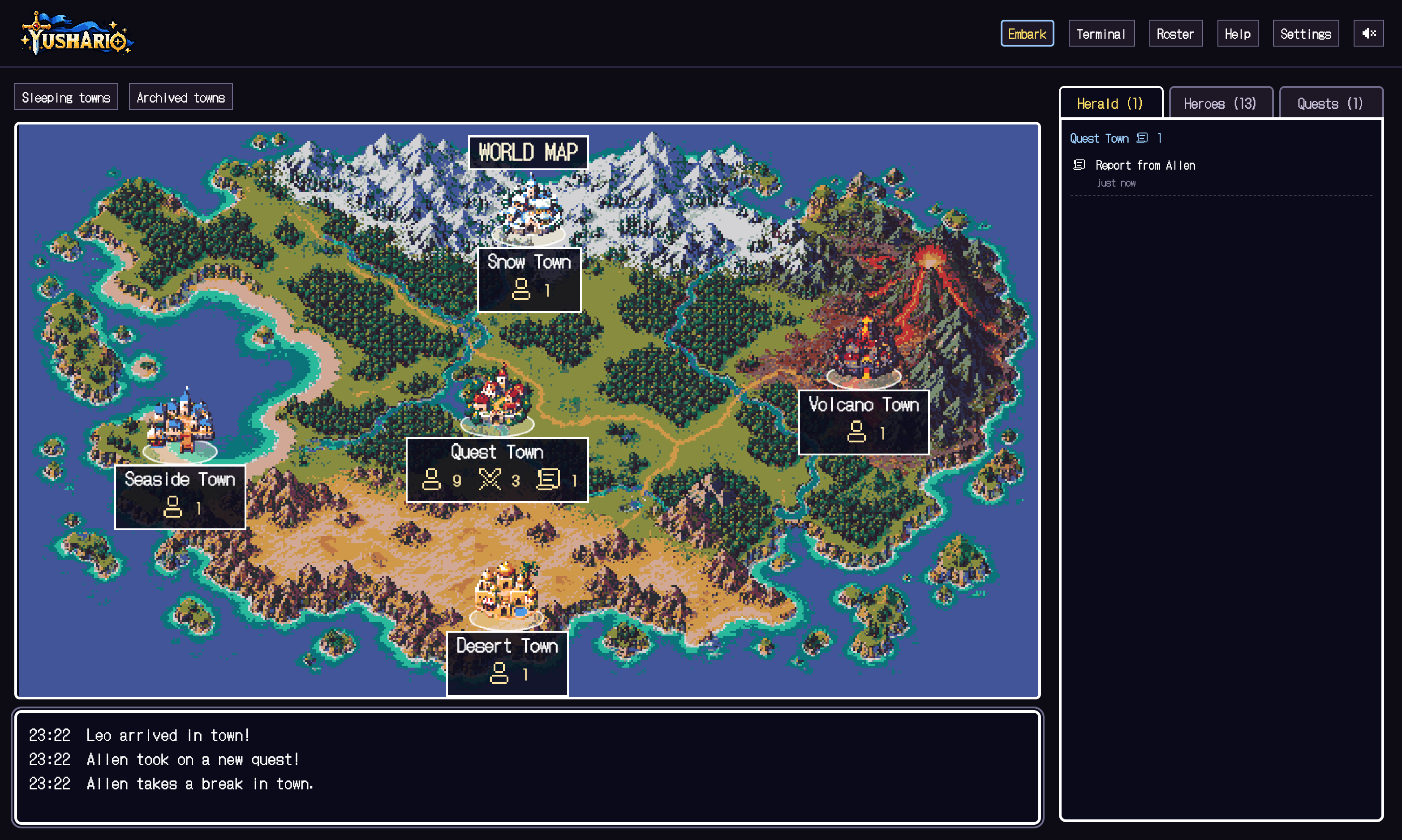
Reading the town and heroes
- Town / World
- Project / a list of projects. Worktrees of the same repository share one town.
- Hero / Ally
- A CLI session / a subagent. Click a hero to operate it.
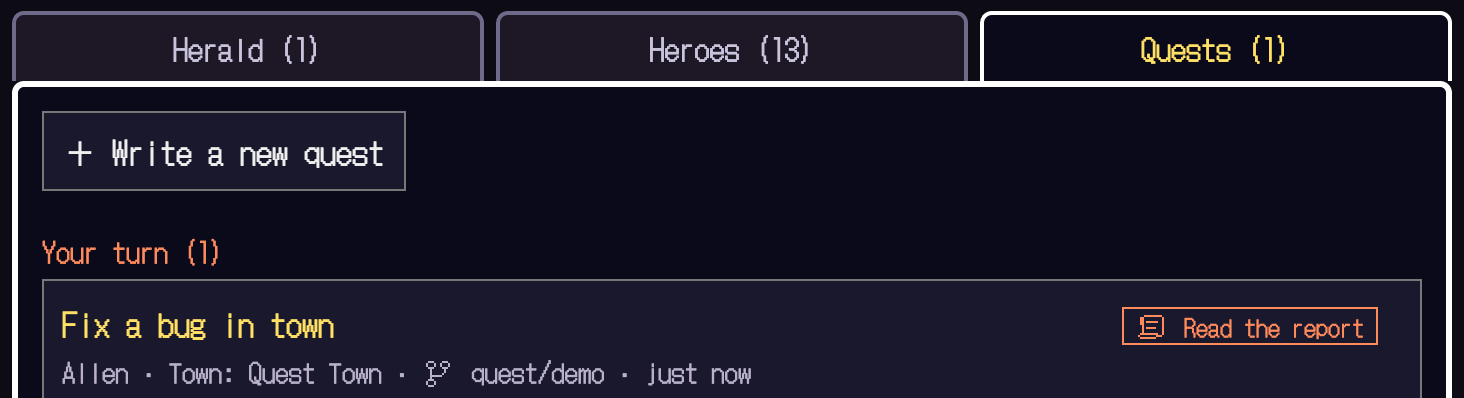
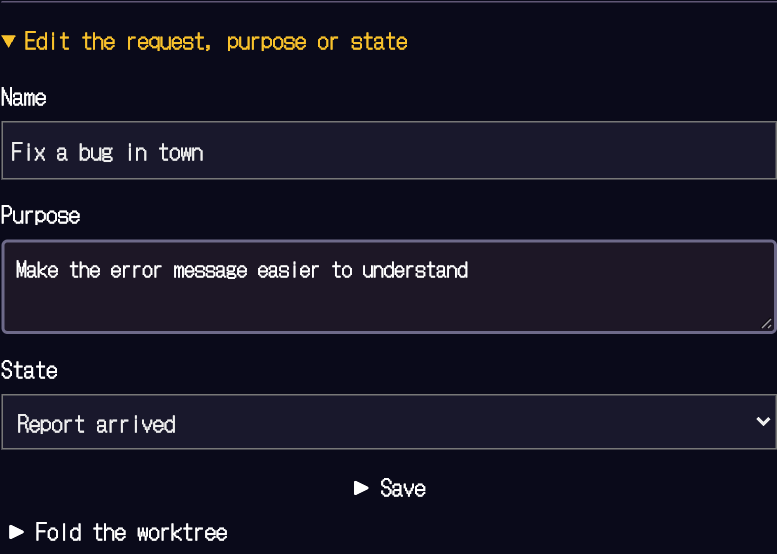
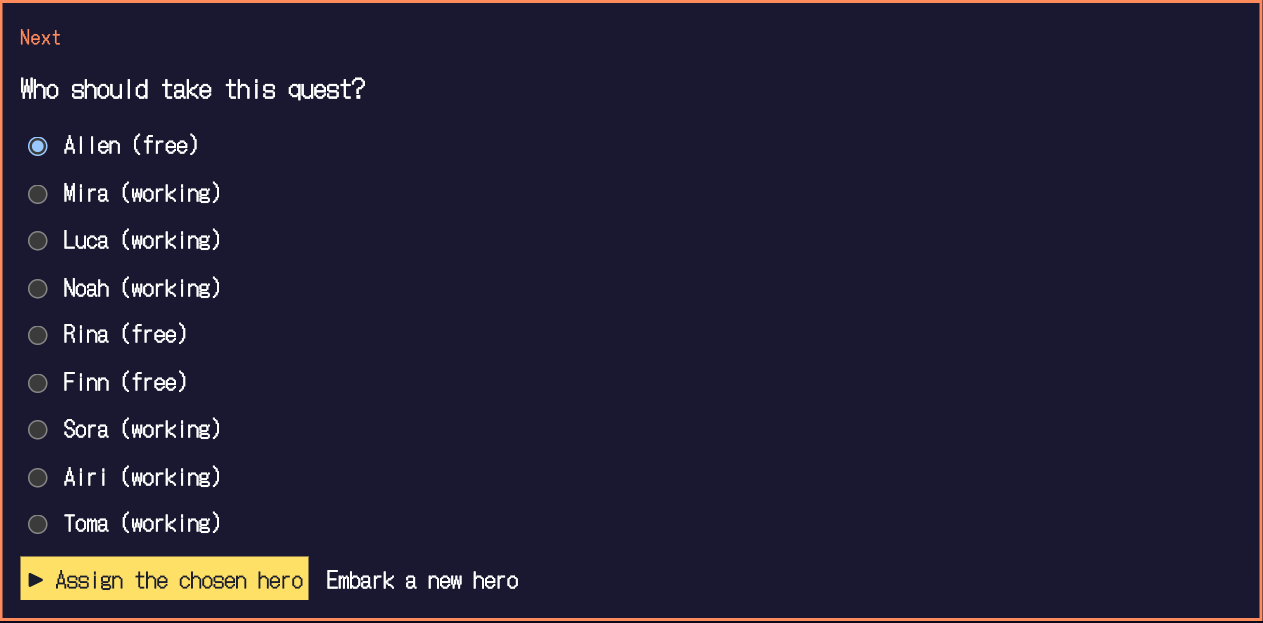
- Quest
- A work ledger that outlives the session. It gathers the title, purpose, owner and checks.
- Lv / HP / MP
- Finished jobs / few recent failures / remaining conversation. Not a code quality score. Values that can't be obtained are shown as unknown.
- Herald / Treasure chest
- Notices such as awaiting a decision / reports of finished work. A person confirms permissions and results.
Working through a job
See the screen-by-screen guide ↑
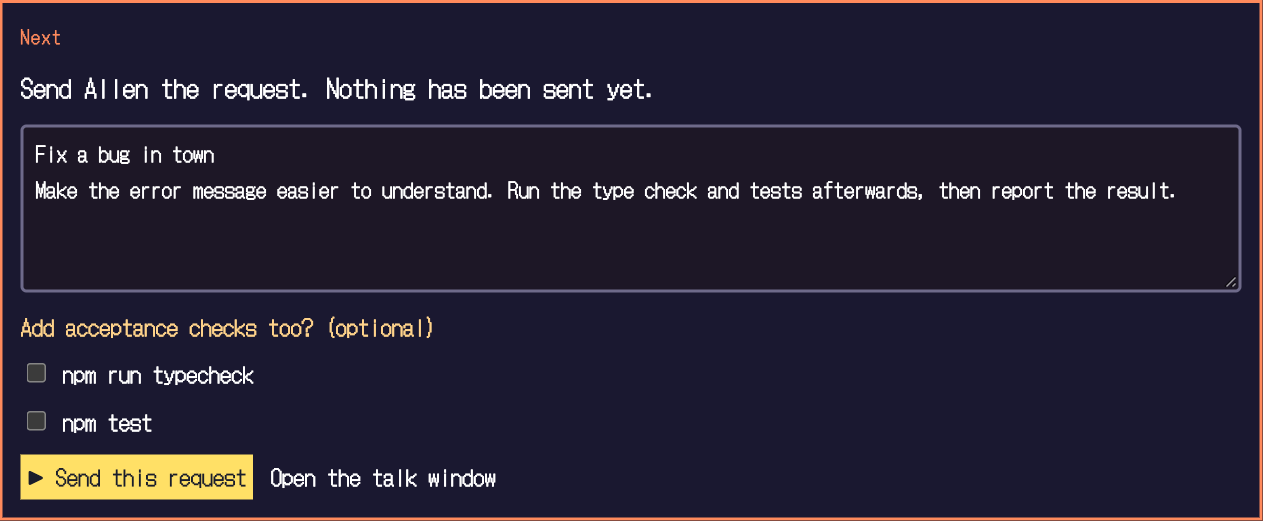
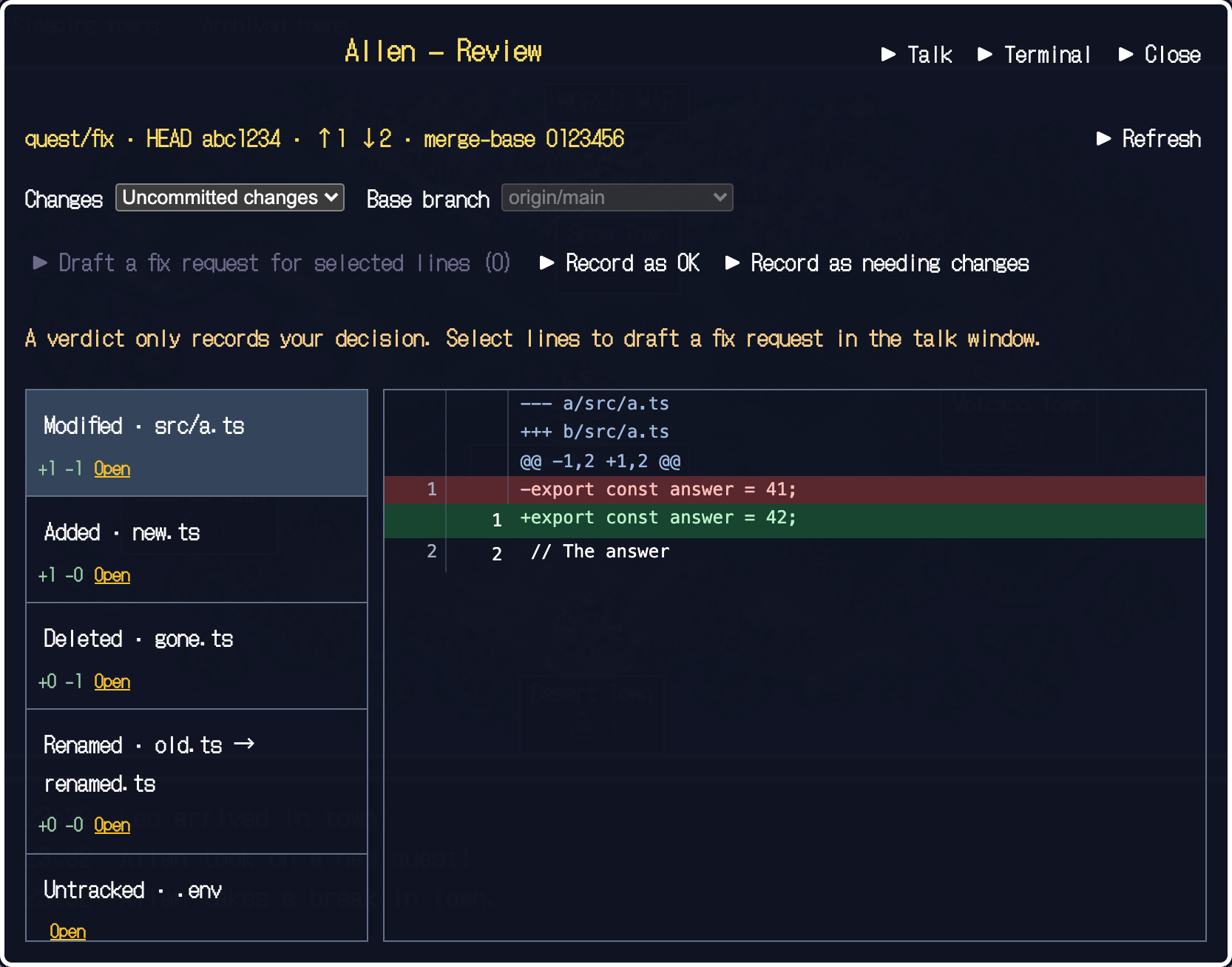
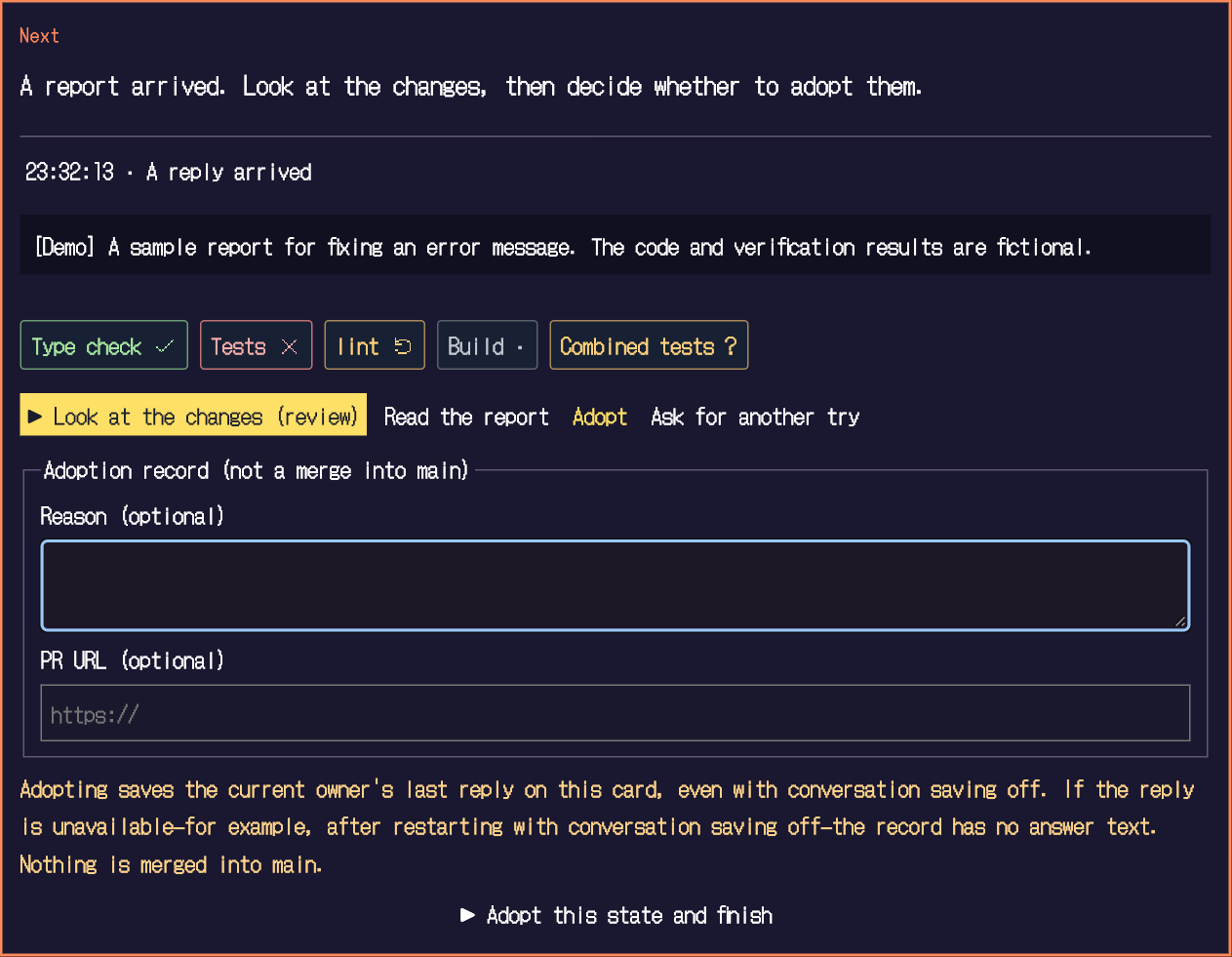
Quest → Assign → Send the instruction → See the report and changes → Adopt.Use "Talk" to give a hero a request, and open the real terminal of the same session if needed.
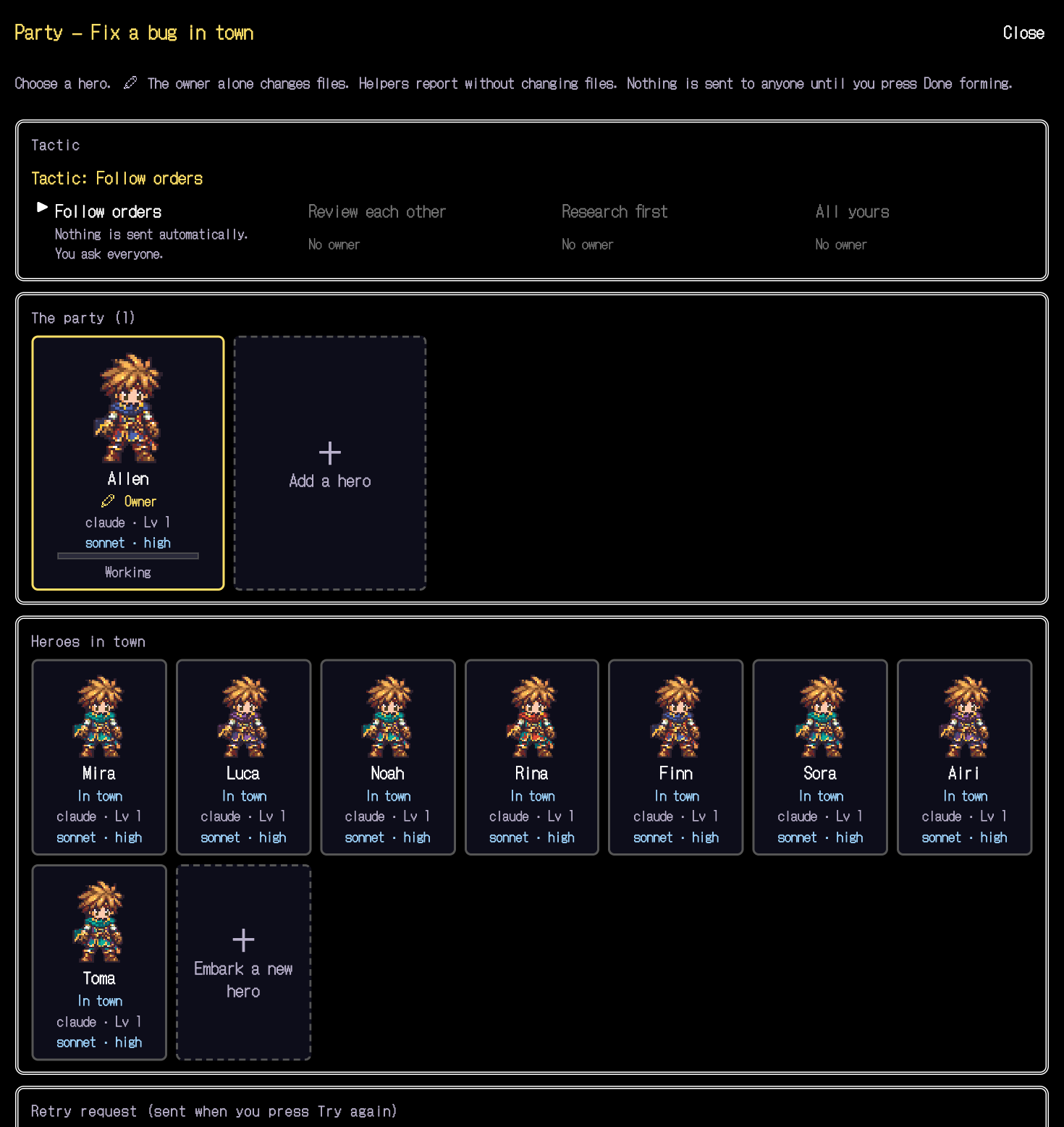
Form a party when handing work to several heroes. Check roles and who rewrites, then choose a tactic. Yushario itself never calls an LLM or auto-approves permissions.
"Checks" are evidence based on results and work state delivered by hooks. They tell "not run", "passed", "failed", "changed" and "unknown" apart. Registering a condition does not run the command.
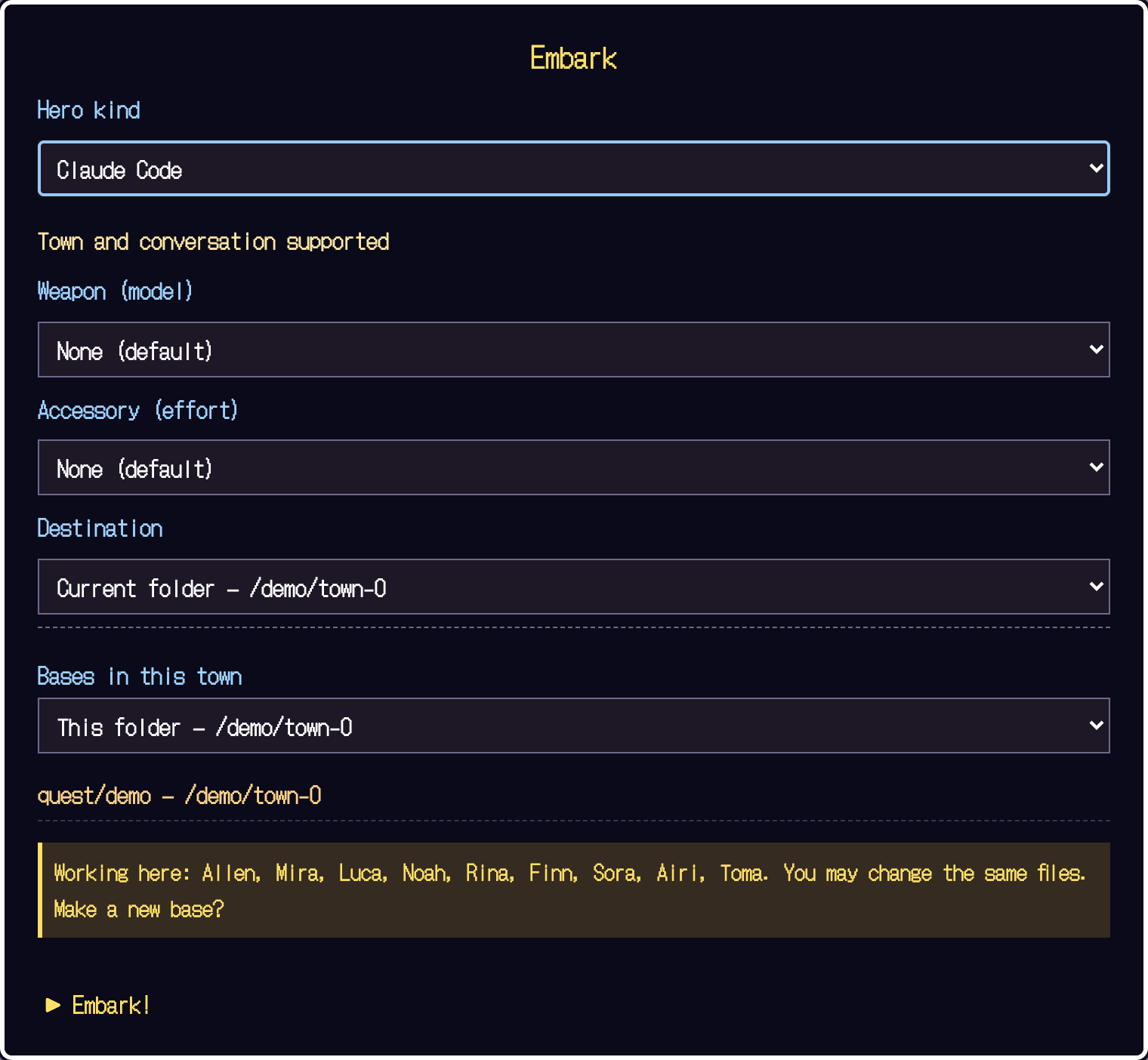
Supported agents
More supported agents are planned. Every one needs you to meet the CLI's own terms, requirements and authentication. Node.js 22.13.0+ is a requirement of Yushario itself and does not guarantee how each CLI works. Your personal CLI config files are never rewritten.
It runs locally.
The app listens only on 127.0.0.1 and is protected by a token that changes on every launch. The terminal runs with your own privileges.Don't expose it through a public proxy or tunnel.Each CLI's communication with its model follows that CLI's settings and terms.
Quest titles, states and report summaries are stored in a local SQLite database. Saving the text of requests and replies is off by default. However, when you adopt, the text of that round's report is also saved. The title (the first line of the request) always stays. Terminal output is kept in memory only. You can delete records from the app's settings.
HELP
Stuck? Start here.
No hero appears in town.
Check that you launched a supported CLI from Yushario's "Embark". A shell does not show a hero. Finish the CLI's login and folder trust prompts in the terminal. Codex needs a /hooks check and a first request.
I got disconnected, or an old URL won't open.
The token changes on every launch. Use the new URL given by the server that is currently running. Just losing the browser connection does not end the CLI session.
I stopped it but it still shows as working.
A stop request and a stop confirmation are different things. It isn't shown as stopped until the confirmation arrives. Open the terminal, check the CLI's state and do any recovery that is needed.
I ran the tests but the check never shows as passed.
Check the conditions, the command and where it ran. Complex commands and results that can't be read become unknown. A change after verification can also make the evidence stale. Codex hooks create no automatic evidence.
I want to switch the screen between Japanese and English.
Change it from Settings → Language in the app. The first time, it is chosen to match your browser language.
If it isn't solved?
GitHub Issues. Include your OS, Node and CLI versions, and the steps to reproduce. Remove tokens, conversations, absolute paths and API keys before sending.