
After reviewing, go back to the card and open Adopt. Recording that you accepted the result finishes the quest.
Accepting in the review view and adopting the quest are separate actions. You make both decisions yourself.
Record the adoption#
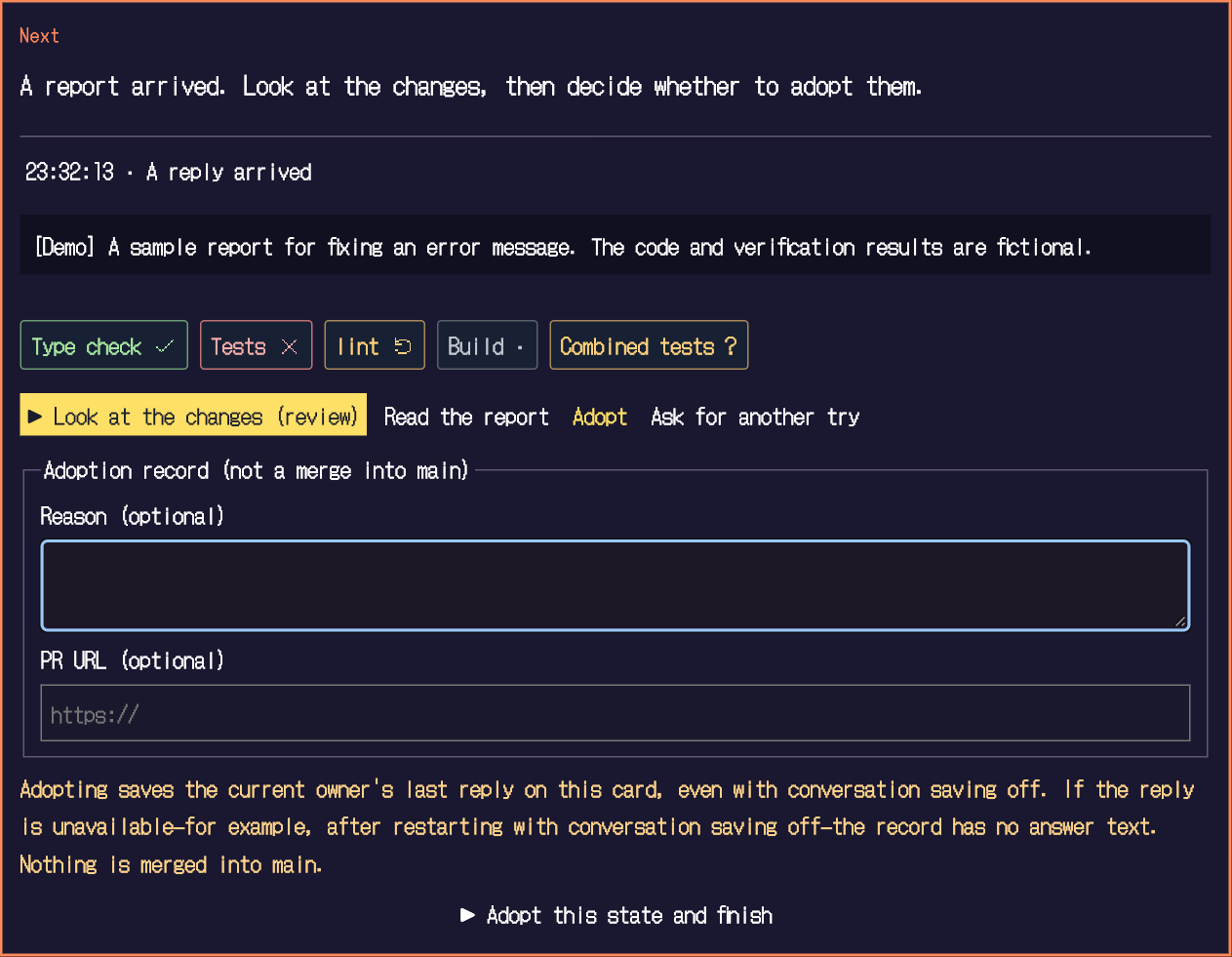
- Look at the marks
Check failures and "changed since" marks as well as passes. If something failed, look into it first, and ask for another try if needed.
- Add a reason and PR URL (optional)
You can note why you accepted it and a related PR URL. Both are optional.
- Select Adopt this state and finish
A record that you accepted the current state is saved, and the quest is finished.
What adopting does not do#
Adoption is a record that you accepted the result. Merge, push and creating a PR are never done automatically.
Saving request and reply text is off by default. When you adopt, however, that round's report text is saved. Check that it is fine to keep. The quest title (the first line of the request) is always kept.
The title, status and key points of reports are stored in a local SQLite database. You can delete the records from the app's settings. For details, see Storage and privacy.